Technique · November 23, 2026
By Justin Comstock · JazzValve creator, longtime guitarist and adult trumpet learner · Updated November 23, 2026
Best Trumpet Practice Apps for Jazz Players
Compare three trumpet practice apps by the job you need done: guided lessons, reading unfamiliar music, or turning jazz licks into phrases you can use.
Free trumpet workbook
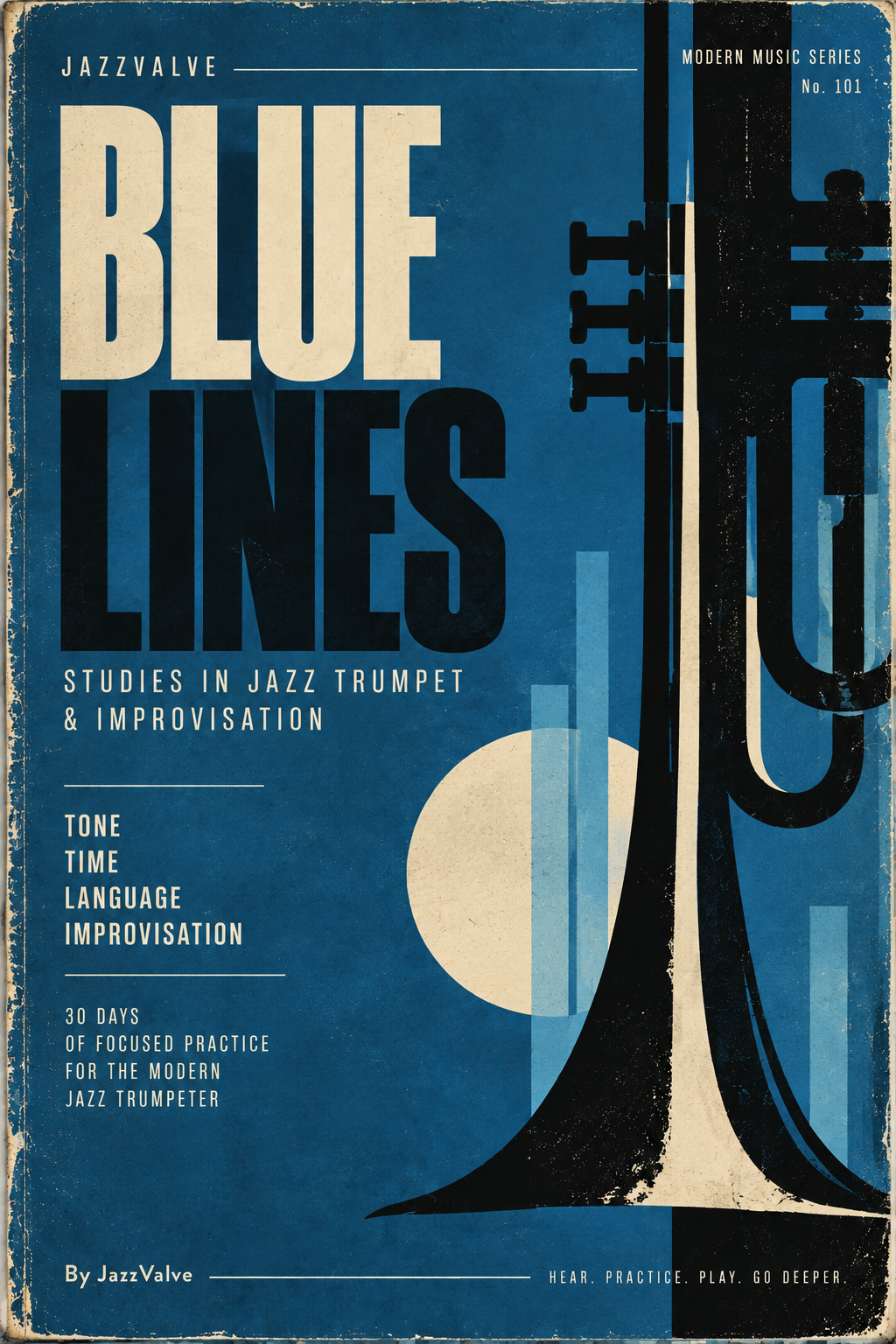
Blue Lines
Thirty days of focused B♭ trumpet practice: tone, time, jazz language and improvisation.
Email signup required
Get Blue Lines freeThe best app to learn trumpet depends on what happens when you pick up the horn. If you need someone to tell you what to work on next, start with a guided course. If you can read notes but stop every time you hit a tricky rhythm, practice first reads. If you can play the notes and still don't know what to play over a chord, work on one jazz phrase.
Disclosure: I built JazzValve. Its tools are described from the JazzValve site; the tonestro and Sight Reading Factory features below come from their own product documentation, not a hands-on comparison or a ranked test.
| What you want to practice | Start with | What to check |
|---|---|---|
| First notes and a clear sequence of lessons | tonestro | Can you understand the pitch or rhythm feedback and use it on the next try? |
| Reading a new line without stopping | Sight Reading Factory | Can you set an easy range and keep the pulse through a rest or a mistake? |
| Turning jazz vocabulary into something you can play | JazzValve | Can you hear one phrase, play it, then change something without losing the beat? |
JazzValve
Practice This In JazzValve
Open in the app →
tonestro: when you want a lesson and immediate feedback
tonestro's trumpet course offers a sequence of lessons and uses your device's microphone to give feedback on the pitch and rhythm it detects. That combination is worth considering when you're learning your first notes or returning after a long break and don't want to plan every practice session yourself.
Try this before you pay: Choose one short beginner exercise. Play it once, pick one note the app flags, and try the exercise again with just that note in mind. If you know what to change, the feedback has given you something useful. If the app keeps flagging a note you think is right, check which written pitch the exercise expects and whether the microphone is picking up the trumpet clearly. If the note still feels difficult to produce, ask a teacher to listen. A pitch or rhythm mark doesn't tell you how you're using your air or whether you're pressing too hard.
Sight Reading Factory: when the music is new on every try
Sight Reading Factory generates fresh music for trumpet. Its customization guide shows how you can set the range and limit the rhythms in an exercise. That's useful if you've memorized the practice book you keep reaching for, but still lose your place when someone puts a new chart in front of you.
Try this before you pay: In the preview or access available to you, select B-flat trumpet and a level where the notes feel easy. If the controls are available, choose a small range and familiar rhythms. Count yourself in and play a fresh line once without restarting. Mark the first place where you lost the beat. Then generate another line at the same level and see if you can keep moving through that kind of rhythm. The second line should still be new to you. Use this for reading practice; learning what fits over changing jazz chords is a separate job.
JazzValve
Practice This In JazzValve
Open in the app →
JazzValve: when you know the notes and want to improvise
JazzValve is built for B-flat trumpet players who want to hear and practice jazz vocabulary. Start with triads, scales, and short phrases with written notes and valve fingerings. The useful question is what you can do with a line after you learn it.
Try this before you pay: Open the free Jazz Trumpet Licks guide and listen to the opening two-bar blues lick at 60 BPM. Play it once, leave one full bar of silence, then answer it with the same notes but a different rhythm. Did you keep counting through the silence? Can you still play the original a minute later without staring at the fingering numbers? If that exercise helps and you want more phrases you can slow down and loop over chord changes, see the current JazzValve Pro features. If you need a step-by-step path for making your first sound, start with that instead.
Pick one for your next three practices
Use the same tool for three short sessions and keep a one-line note after each: “I fixed this note,” “I read through that rest,” or “I made an answer to that phrase.” If you can't name what got easier, don't add another subscription yet. Pick an easier exercise or a tool that fits the problem you actually have.
For a jazz player who can already play a few notes comfortably, I'd start with one free phrase and a full bar of silence. What you do with the next bar will tell you more about what to practice than any list of app features.
JazzValve
Practice This In JazzValve
Open in the app →
Free trumpet workbook
Blue Lines
Thirty days of focused B♭ trumpet practice: tone, time, jazz language and improvisation.
Email signup required
Get Blue Lines freeSources
- https://jazzvalve.com/
- https://jazzvalve.com/about
- https://jazzvalve.com/blog/guides/jazz-trumpet-licks
- https://jazzvalve.com/unlock
- https://www.tonestro.com/learn-to-play-trumpet/
- https://www.sightreadingfactory.com/
- https://www.sightreadingfactory.com/focus/customization